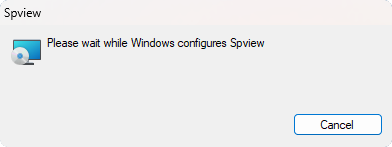
Installation on Microsoft Windows
Installation with the installer
The recommended way to install Spview on Microsoft Windows is to use the
provided installer which will automatically install the application. However,
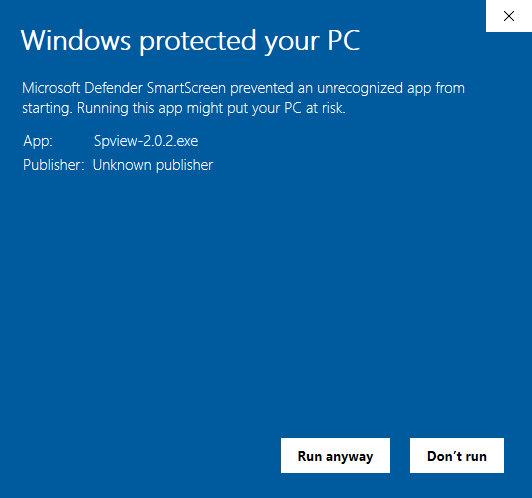
when you start the installation, Windows Defender blocks the installation to
“protect” your computer with the message Windows protected your PC.

To solve this problem, simply trust the Spview installer:
Click on the More info link below the Windows Defender message.
A new button is available at the bottom of your window. Click on Run anyway to launch the installation.
Then the application will be installed in the C:\Program Files\Spview folder.