Installation on macOS
Installation of the bundle
The macOS app is provided per architecture:
Intel (macOS 10.13+)
Apple Silicon (macOS 11+)
Choose the link corresponding to your processor architecture and download the disk image. Once downloaded, double-click to open it.

A new window pops up. Now drag the Spview icon and drop it on the
Applications one.
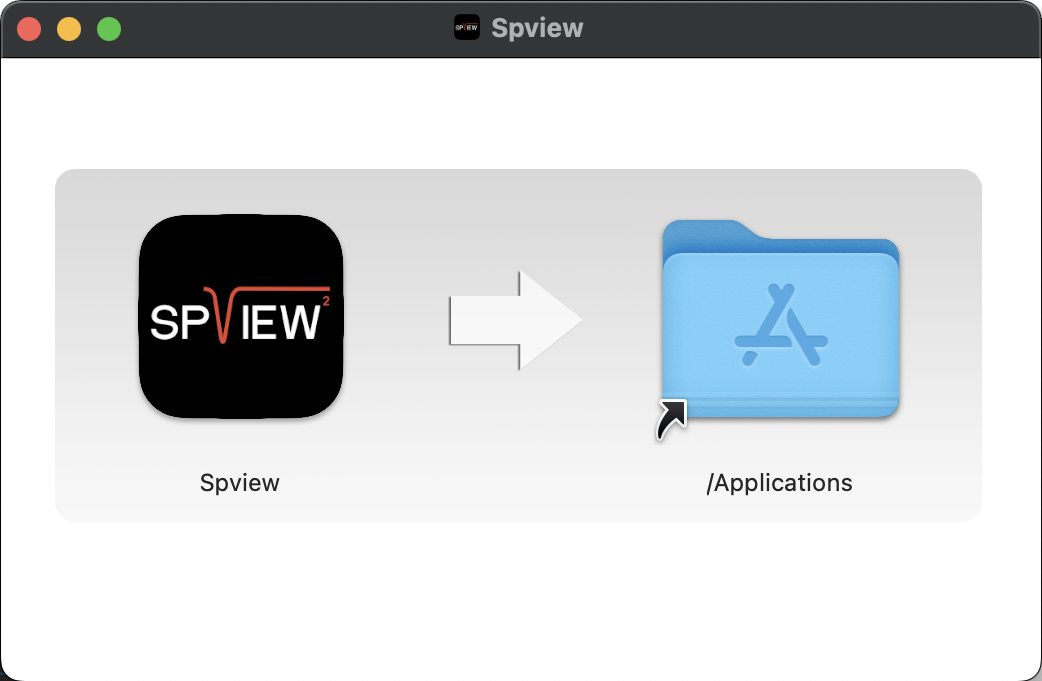
Congratulations, Spview is now installed.
Warning
Spview is neither signed nor notarized. Once copied into the Applications folder, it must be excluded from the quarantine with the following command line:
xattr -r -d com.apple.quarantine /Applications/Spview.app